Back to Apps

Macro Remover

Remove macros from Excel files (.xlsm) and convert them to safe .xlsx files. All formatting and data are fully preserved.

Try it now
Macro Remover

Features

One-Click Macro Removal

Just upload your file and it converts automatically

Formatting & Data Preserved

Cell styles, formulas, and layouts stay intact

Drag & Drop Support

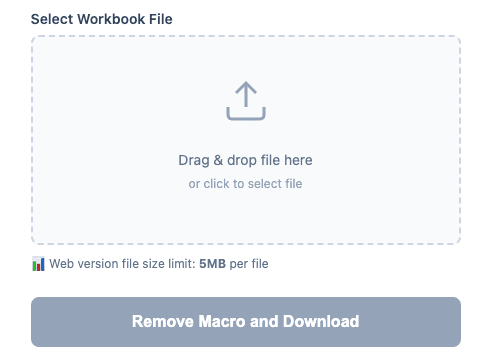
Select files with an intuitive drag & drop interface

Desktop App Available

Windows executable for handling large files

How to Use

1

Drag & drop your .xlsm file (or click to select)

2

Click the Remove Macros & Download button

3

Download the macro-free .xlsx file

What is Macro Remover?

Macro Remover is a tool that strips macros from Excel files (.xlsm) and converts them into safe .xlsx files.

Who is this for?

  • You're concerned about macros in .xlsm files received from external sources
  • You want to share macro-enabled files without the macros
  • Your security policy prevents opening macro-enabled files
  • You want to remove macros without any VBA knowledge

Why remove macros?

Excel macros (VBA) are useful for automation, but they can also contain malicious code. Removing macros from externally received files or files where macros are no longer needed ensures safe usage and sharing.

Technical specs

  • Supported format: .xlsm → .xlsx
  • Max file size: 5MB (Web) / Unlimited (Desktop)
  • Processing method: File structure reconstruction via openpyxl

Try Macro Remover

Get started right away.

Try it now

Disclaimer

This tool is provided as-is without any warranty of accuracy, completeness, or fitness for a particular purpose. Please verify all generated data and files yourself. The developer assumes no liability for any damages arising from the use of this tool.