What is Sheet Merge?
Sheet Merge is a tool that consolidates sheets from multiple Excel files into a single file. Each sheet is renamed to "OriginalFileName_SheetName" so you can easily tell where each sheet came from.
Who is this for?
- You want to combine Excel files collected from multiple departments or team members
- You need to merge monthly reports or other period-based files
- You want to consolidate multiple template files into one master file
- You want to eliminate tedious manual copy & paste
Use cases
Consolidating department data
Sales.xlsx (Revenue sheet, Customers sheet) + Accounting.xlsx (Expenses sheet) → Combined.xlsx (Sales_Revenue, Sales_Customers, Accounting_Expenses)
Aggregating monthly data
January.xlsx + February.xlsx + March.xlsx → QuarterlyReport.xlsx
Technical specs
- Supported formats: .xlsx, .xlsm
- Output format: .xlsx (macro-free)
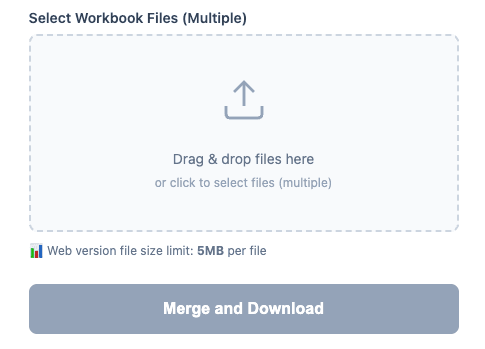
- Max file size: 5MB (Web) / Unlimited (Desktop)
- Sheet names: Auto-trimmed to 31 characters (Excel limit)